HAUNTED DORM

  • Home
  • Introduction
  • Guides
  • Strategies
  • Reviews
  • Games
AboutContactPrivacy PolicyTerms of ServiceDisclaimer

Copyright © 2026 Haunted Dorm Fan Site. All rights reserved.

Guides

How to get into a room, sleep for coins, build, and upgrade the door — written as you'd actually play it.

Featured Guides

Start with these three: first launch, finding a room, and making money.
First time in: age notice, language, and the announcement
Featured

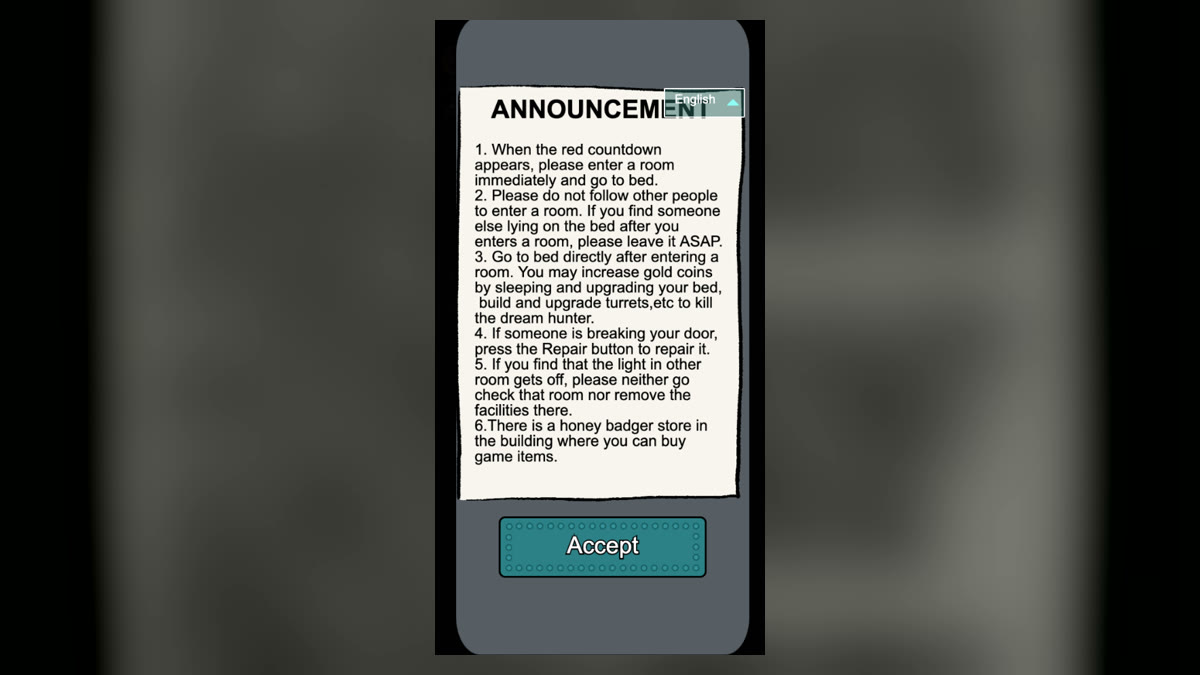
First time in: age notice, language, and the announcement

Read the notice, pick a language, then take the few opening rules from the announcement that actually matter.

First launch
Announcement
Language
Picking a map and finding a room: Normal vs Ice & Snow
Featured

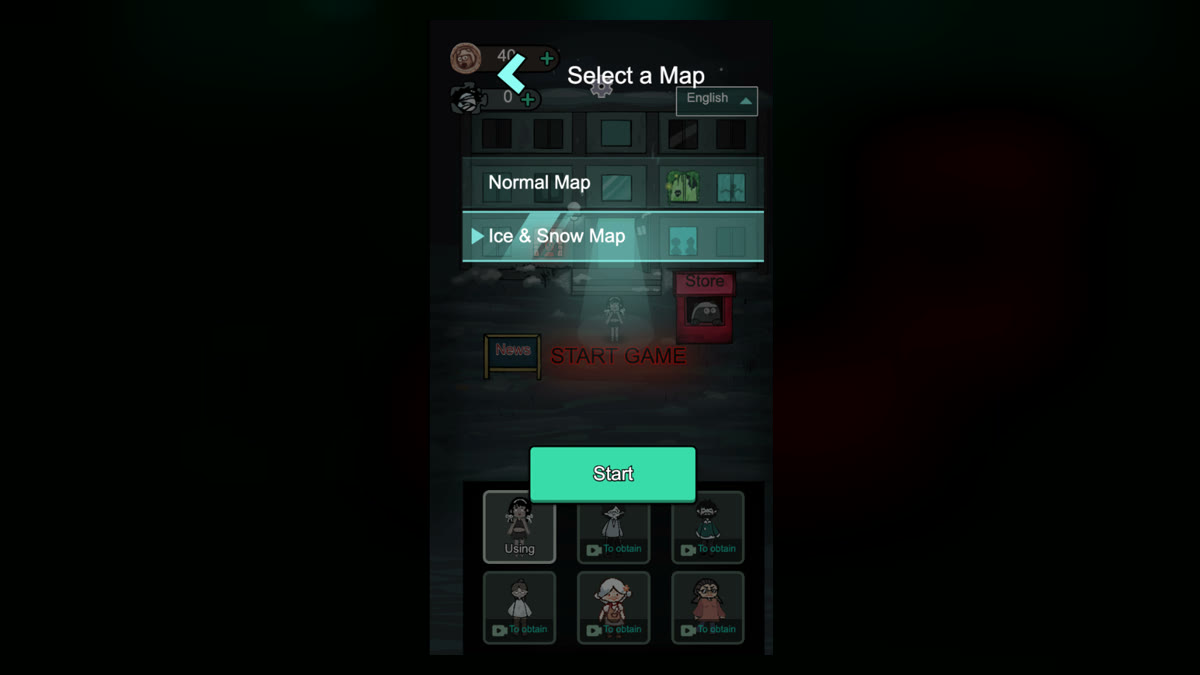
Picking a map and finding a room: Normal vs Ice & Snow

Choose Normal Map or Ice & Snow Map, then use the corridor in front of you and the countdown to claim an empty bed.

Map selection
Ice & Snow
Room search
Coins and lightning: bed, console, mines
Featured

Coins and lightning: bed, console, mines

Raise bed income with coins, build lightning, then spend lightning on mines for more coins.

Coins
Lightning
Economy

All Guides

Sorted by opening, economy, and defense. Jump to the one you're stuck on.
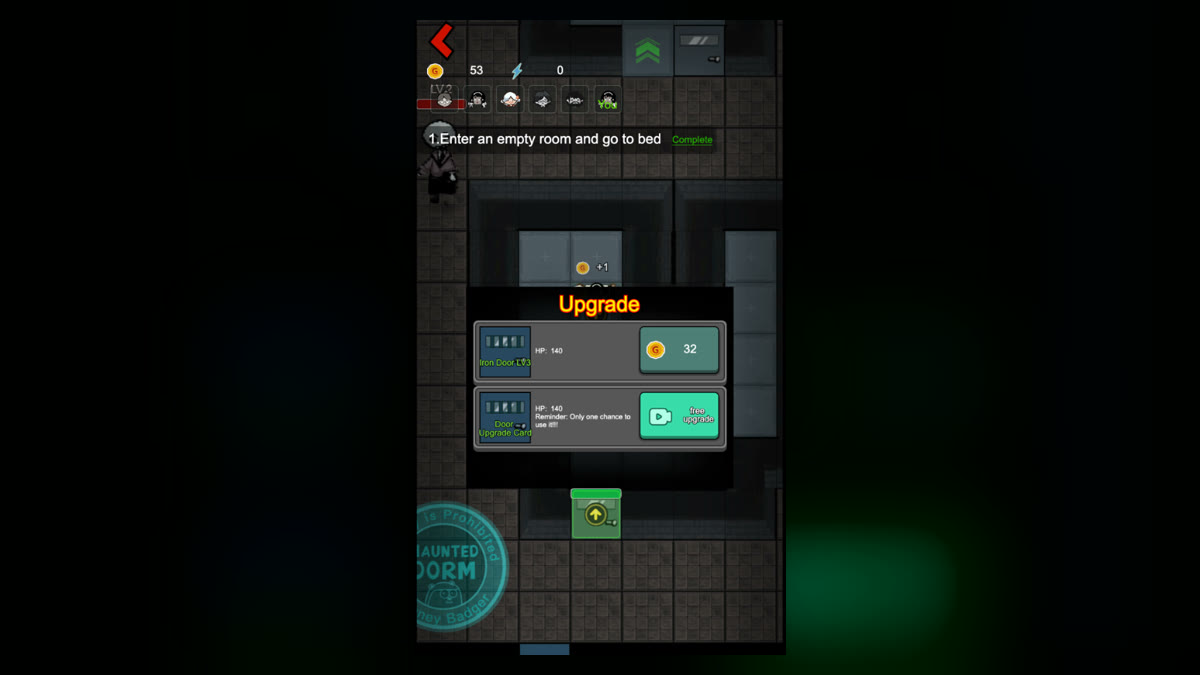
How to upgrade the door: level, health, coin button

How to upgrade the door: level, health, coin button

Open the door panel, read level, health, and price, and tell the coin upgrade apart from the video-icon button.

Door
Repair
Defense
Empty slots and the store: income, shooting, repair

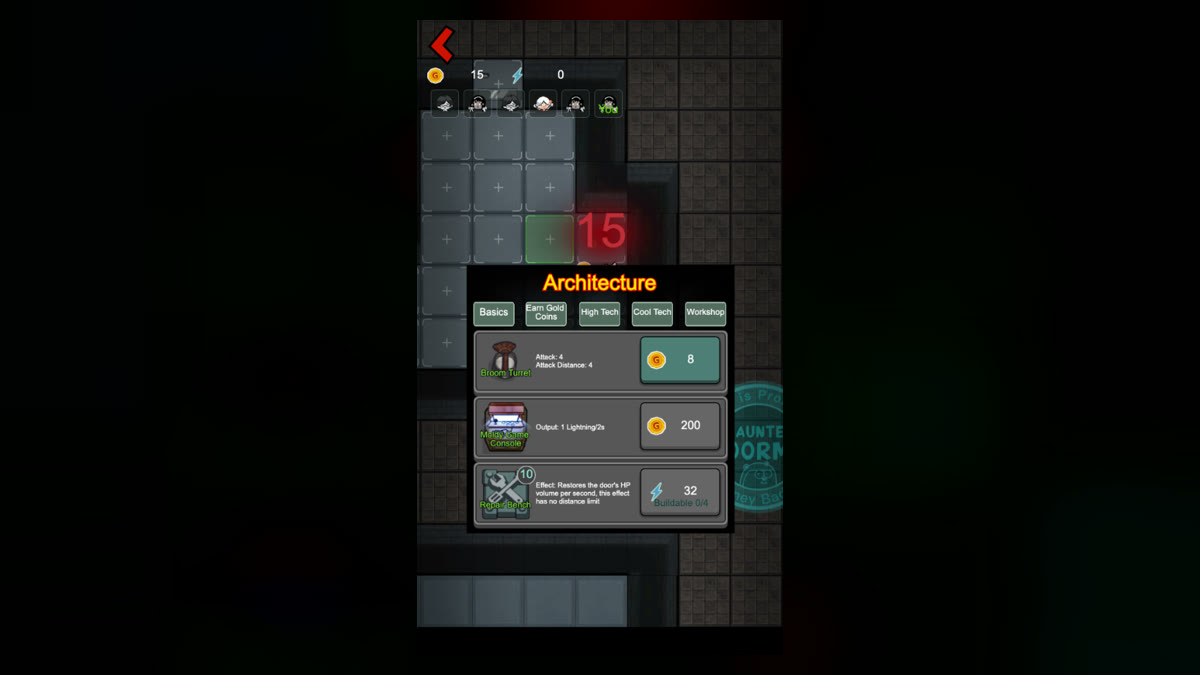
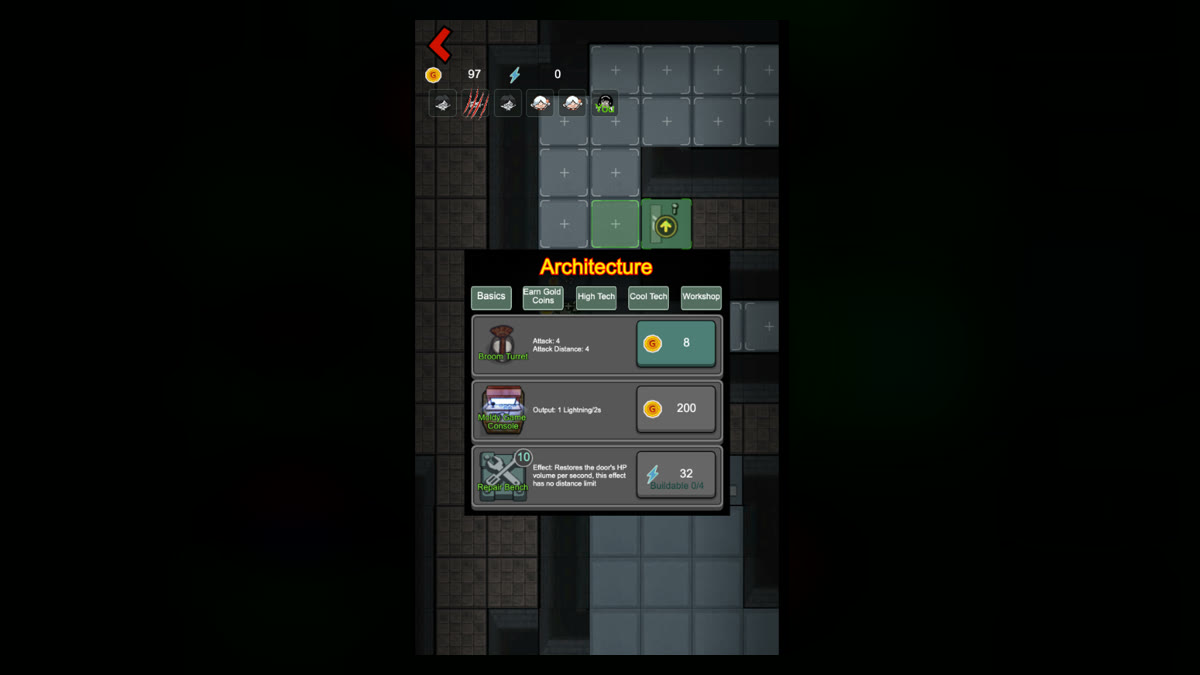
Empty slots and the store: income, shooting, repair

Tap + to open Architecture. Income, attack, and repair are one menu; store items are another.

Build slots
Architecture
Store items
When the door is getting smashed, should you switch to defense?

When the door is getting smashed, should you switch to defense?

Watch how close the ghost is, how fast the door drops, and how much money you have left — then decide whether to keep growing or save the door.

Threat
Dream Hunter
Defense