Picking a map and finding a room: Normal vs Ice & Snow
5 min read
Map selectionIce & SnowRoom search
Choose Normal Map or Ice & Snow Map, then use the corridor in front of you and the countdown to claim an empty bed.
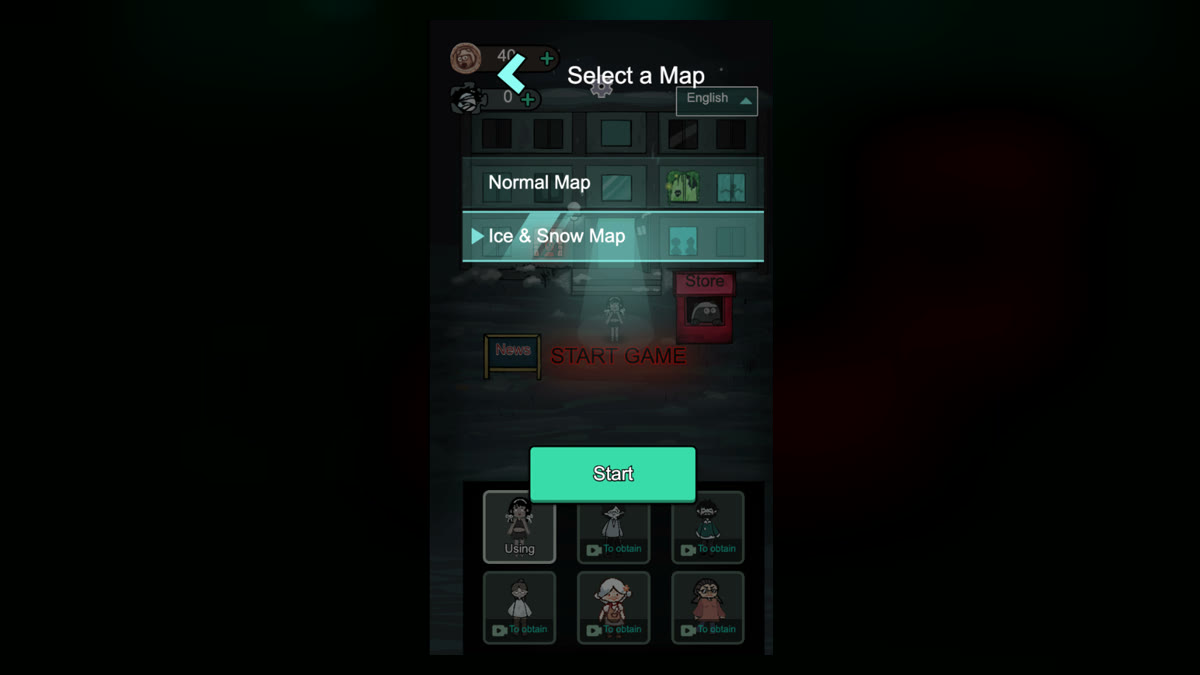
The start screen lets you pick Normal Map or Ice & Snow Map. Choose one, then tap Start. They look different. Don't assume Ice & Snow has slow, extra damage, or bonus income — the screens don't show that.
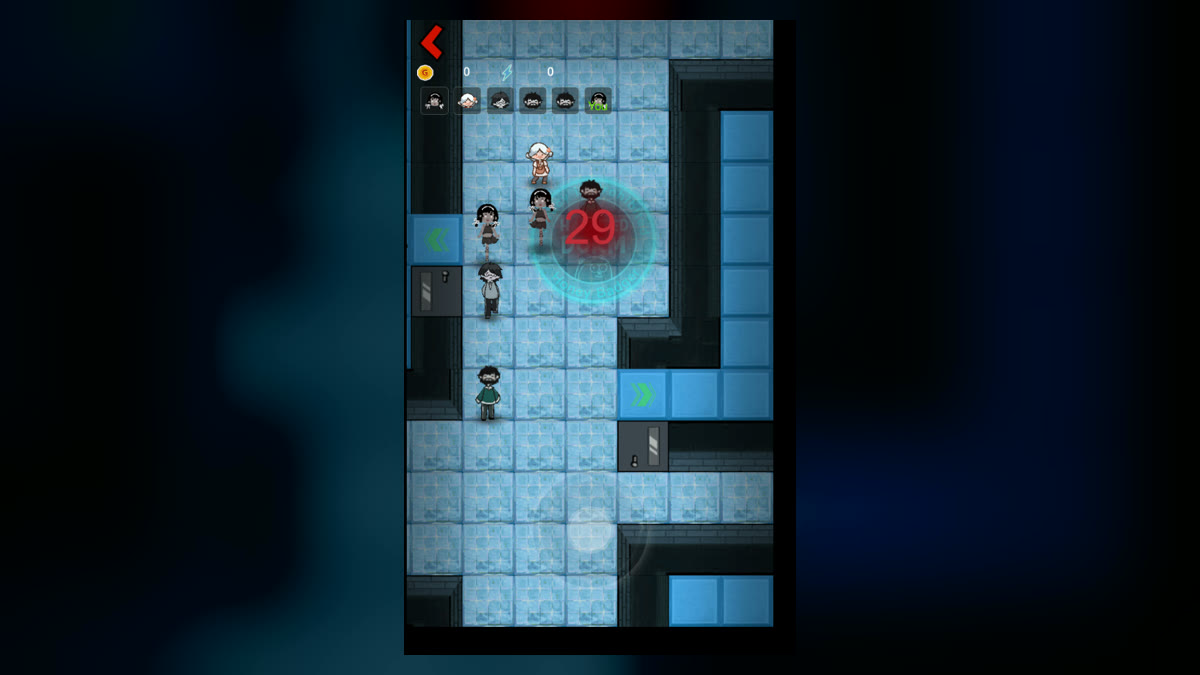
Pale floor, blue walls, more corners and side halls. You still get the same room-search countdown. Look at the nearest door and walk that way. Don't run a Normal Map route from memory.
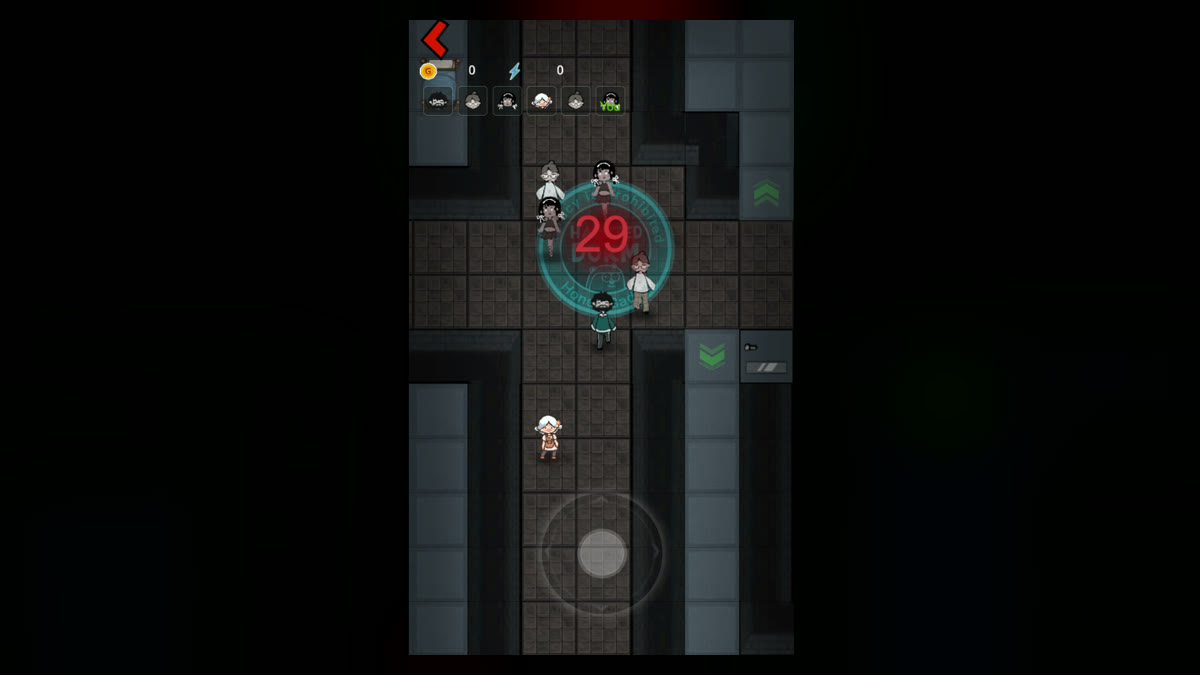
Darker tiles, gray walls. Even if it looks familiar, glance at the doors near spawn before you move.
Plenty of time left: compare two or three nearby doors. Number dropping fast: take the nearest empty bed and stop crossing long halls.